Table of Contents
Introduction
Creating a professional presentation has always been one of the most time-consuming tasks in any business, academic, or creative workflow. You have to organize your ideas, choose a design, build each slide individually, find matching images, and make sure everything looks consistent — a process that can easily eat up two, three, or even four hours of your day.
What if you could skip all of that and have a fully designed, professional presentation ready in under a minute?
That is exactly what AiPPT does. It is one of the most powerful AI presentation makers available today — a tool that transforms your ideas, documents, or even a webpage URL into a complete, beautifully designed PowerPoint presentation almost instantly, with zero design skills required.
In this full review, we will cover everything you need to know about AiPPT: what it is, how it works, its key features, pricing, who it is best for, and why it is quickly becoming one of the most popular online tools for professionals, students, and content creators worldwide.
What is AiPPT?
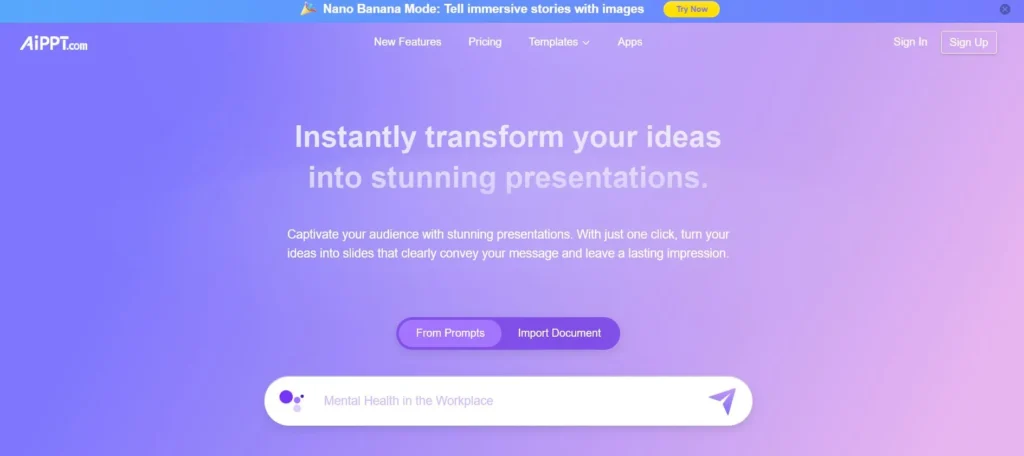
AiPPT (aippt.com) is an AI-powered presentation creation platform that uses advanced artificial intelligence to automatically generate complete, professional slide decks from multiple types of input. It is designed for anyone who needs to produce high-quality presentations quickly — without spending hours on design or formatting.
The platform supports two main creation modes:
- AiPPT Classic — the original AI presentation generator, focused on fast, structured slide creation from prompts and documents.
- AiPPT Visual — a more visually advanced mode with enhanced design aesthetics and richer layout options for premium presentations.
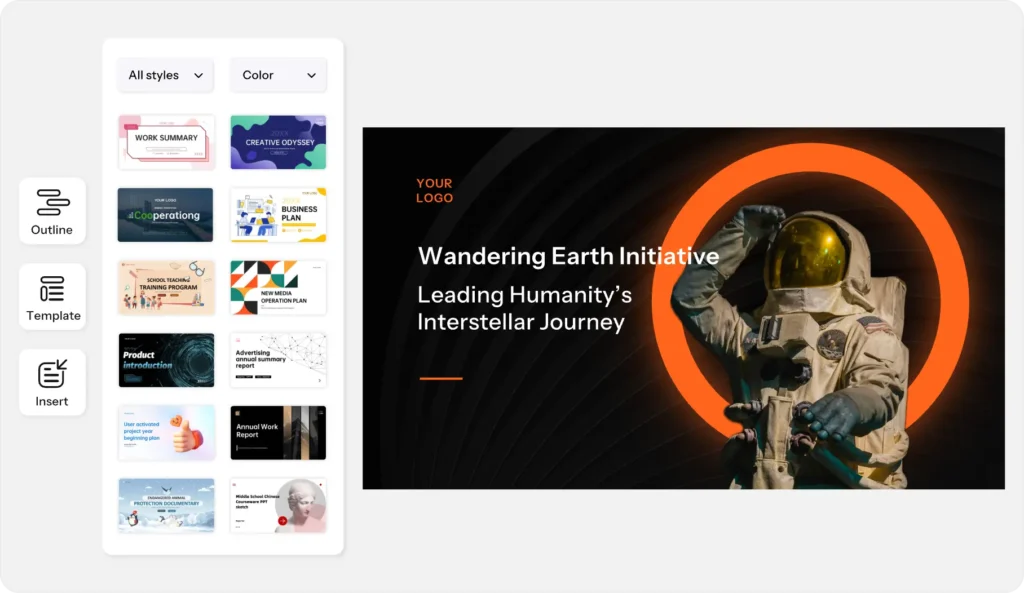
Both modes are backed by a library of over 200,000 professionally designed templates covering every industry — from business and technology to education, healthcare, marketing, and more. Whether you need a corporate pitch deck, a classroom lesson, a product launch presentation, or a project report, there is a template ready and waiting.
How AiPPT Works: 4 Powerful Input Methods
One of the biggest strengths of AiPPT is the flexibility of how you can start creating. Unlike many AI tools that only accept a typed prompt, AiPPT gives you four distinct ways to generate your presentation:
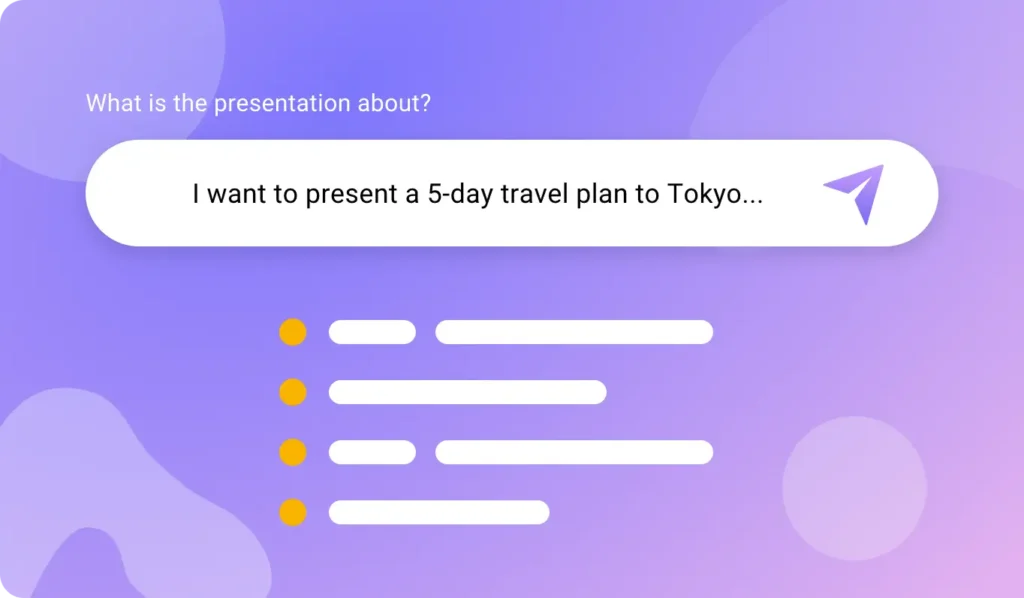
1. Generate from AI Prompt
Simply type your topic or idea — such as ‘Digital Marketing Strategy for Small Businesses’ or ‘Climate Change and Renewable Energy’ — and AiPPT’s AI will instantly generate a structured outline and then build a complete presentation around it, complete with relevant content, layouts, and visuals.
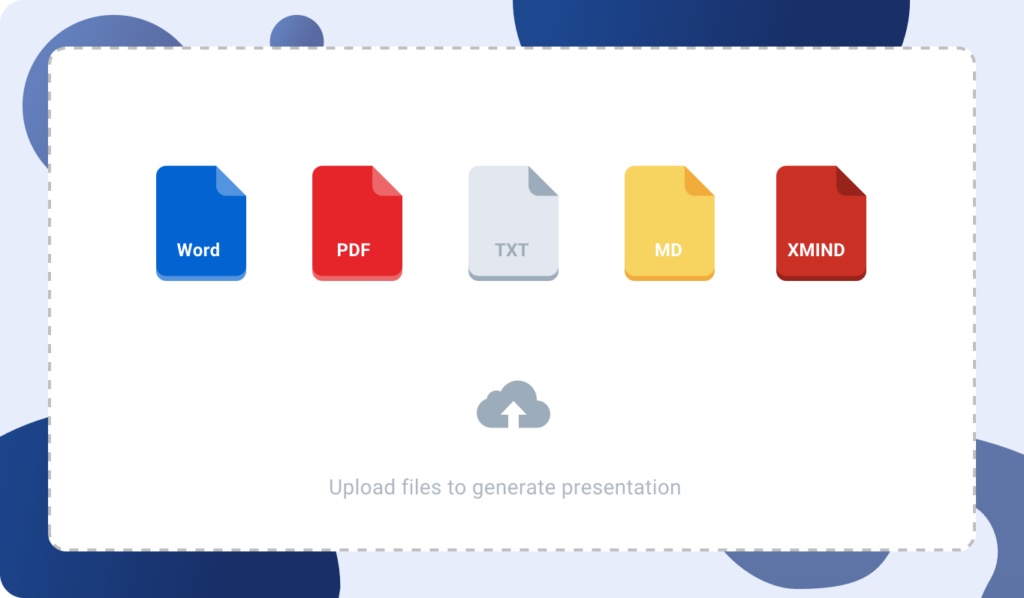
2. Upload Your Documents
Already have content prepared? Upload any local file — PDF, TXT, or Word document — and AiPPT will extract the key information and transform it into structured, well-designed presentation slides. This is especially powerful for turning lengthy reports, research papers, or business plans into a concise, visual presentation.
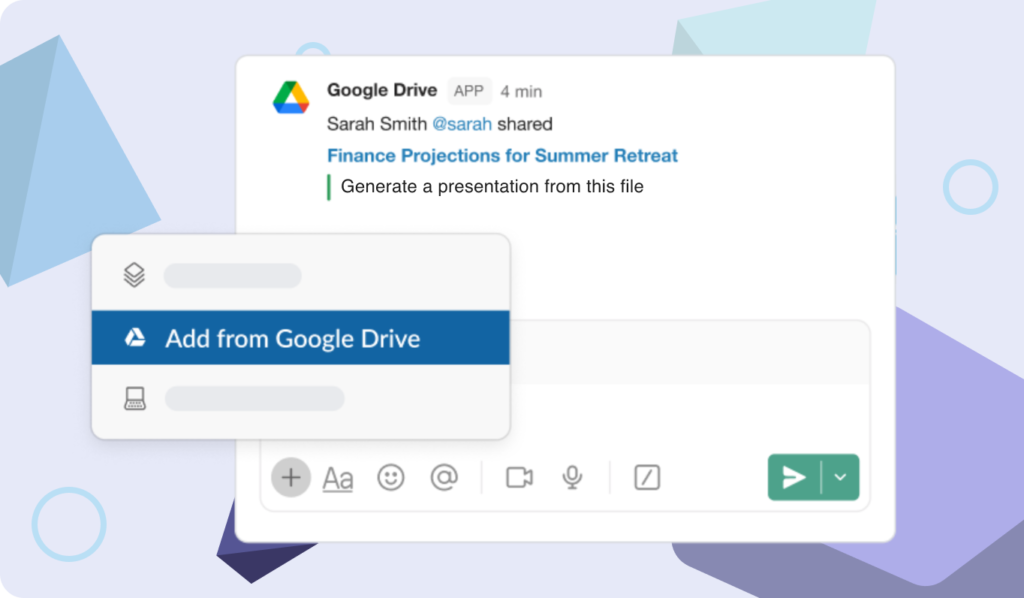
3. Import from Google Drive
If your documents live in Google Drive, you can connect directly and import your Google Docs or Google Slides files. AiPPT will convert them into professionally structured presentations automatically — no downloading or reformatting needed.
4. Convert Any Webpage URL
This is one of AiPPT’s most unique and practical features. Paste any public webpage URL — a news article, a product page, a blog post, a competitor’s website — and AiPPT will extract the content and convert it into well-organized presentation slides. Perfect for research, competitive analysis, or turning online content into shareable presentations.
This multi-input flexibility means AiPPT fits naturally into virtually any workflow. Whether you are starting from scratch or already have content ready, the tool works with you rather than against you.
Start creating presentations with AiPPT for free:
Key Features of AiPPT
One-Click Slide Creation
The core promise of AiPPT is speed. With one click, you can transform text, documents, and data into professional slides — saving what would otherwise be hours of manual work. The AI handles the structure, the content organization, the layout selection, and the visual formatting all at once.
Auto-Generated Presentation Outlines
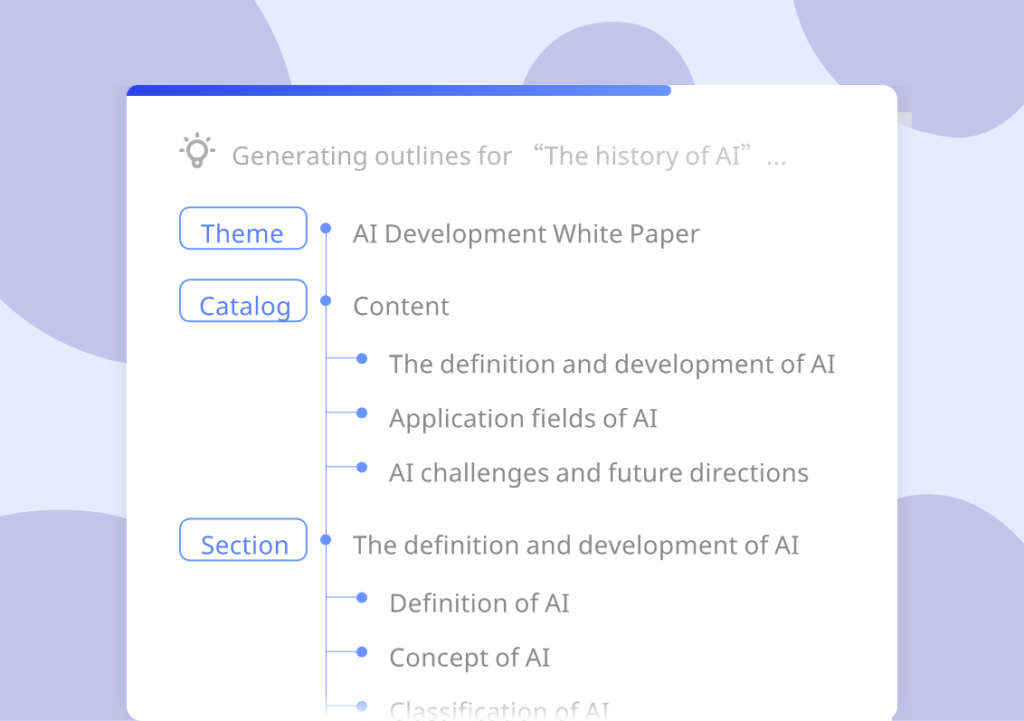
Before building your slides, AiPPT’s AI generates a logical, coherent outline for your presentation based on your input. You can review and edit this outline before the full presentation is built — giving you creative control while still benefiting from AI-powered structure and organization.
Easy Editing, Export & Sharing
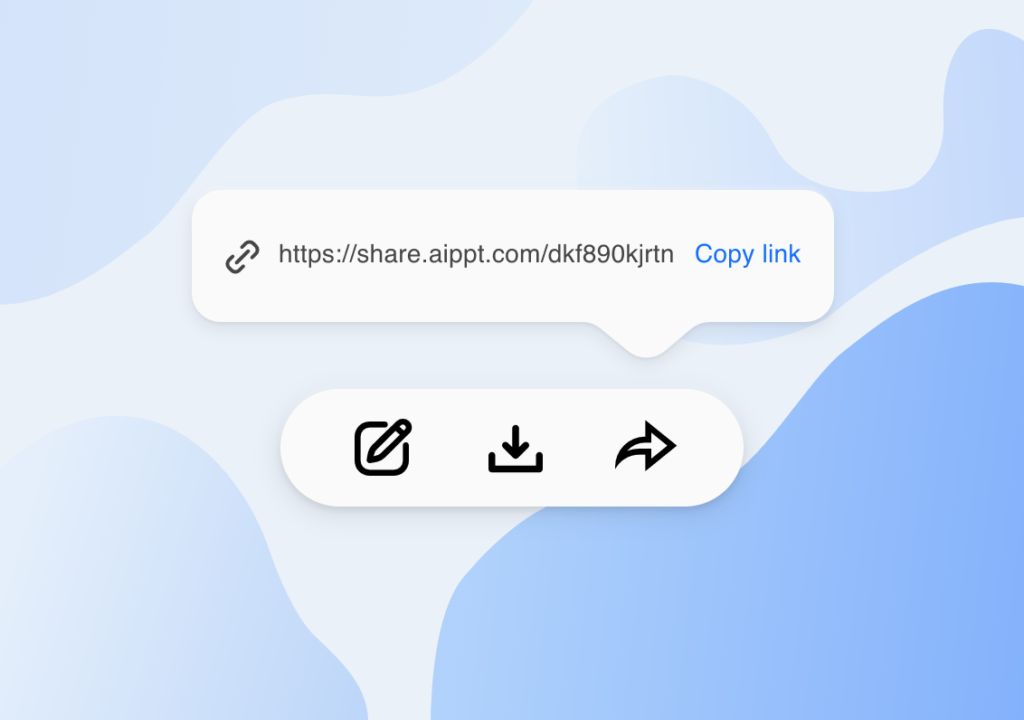
Once your presentation is generated, AiPPT provides a full editing environment where you can modify text, swap images, change layouts, adjust colors, and fine-tune every slide to your exact needs. When you’re done, export in multiple formats — PPTX for PowerPoint, PDF for documents, or image files for sharing online.
200,000+ Professional Templates
AiPPT’s template library is one of the largest in the industry. With over 200,000 templates covering every possible industry, style, and occasion, you will almost always find something that fits your exact needs immediately. Templates include:
- Business and corporate designs for pitches, reports, and strategy presentations.
- Education templates for lesson plans, lectures, and academic research.
- Technology and startup templates for product launches and investor decks.
- Creative and animated styles for engaging, visually dynamic presentations.
- Ready-to-use layouts for timelines, roadmaps, and company profiles.
AI Outline Generator
The AI-powered outline generator rapidly organizes your concepts into a coherent, logical framework before building your slides. This ensures your presentation has a clear structure and narrative flow — not just a collection of disconnected slides.
Advanced AI Image Generation — Nano Banana
AiPPT includes a built-in AI image generation feature called Nano Banana (and its upgraded versions Nano Banana Pro and Nano Banana 2). This allows you to generate custom, high-quality images directly within your presentations — eliminating the need to search for stock photos or use external design tools.
Free Conversion Tools
In addition to its main AI presentation features, AiPPT offers a suite of completely free file conversion tools:
- JPG to PPT, PNG to PPT, PDF to PPT, Excel to PPT.
- PPT to PDF, PPT to JPG, PPT to PNG.
These tools make AiPPT a genuinely useful utility for anyone who regularly works with presentations and documents — even if they do not need the AI generation features every time.
AiPPT Pricing — Free, Plus & Pro
AiPPT offers a generous free plan alongside two paid tiers, making it accessible for casual users, students, and heavy professional users alike:
Free Plan — $0
- 2 AI generations per day (6 total).
- Up to 10 slides per presentation.
- 2 PPT template downloads per day.
- 40 AI image credits total.
- 5 AI edits per day (30 total).
- 2 template replacements per day.
- Access to the core template library.
The free plan is ideal for occasional users, students, or anyone who wants to test the platform before committing.
Plus Plan
- 20 AI generations per day.
- Up to 20 slides per presentation.
- 500 AI image credits per month.
- 30 AI edits per day.
- Unlimited template replacements.
- 600 Nano Banana image credits per month.
- Import from Google Drive and URL.
- PPT/PDF/Image export.
Pro Plan
- 40 AI generations per day.
- Up to 50 slides per presentation.
- 1,000 AI image credits per month.
- Unlimited AI edits.
- 1,200 Nano Banana image credits per month.
- All Plus features included.
- Advanced AI models.
- Import from Markdown and mind maps.
- Priority customer support.
AiPPT also offers a Lifetime Membership plan — a one-time payment that gives you permanent access without any recurring subscription fees. This is one of the features that sets AiPPT apart from most competitors, which only offer monthly or annual subscriptions.
Who is AiPPT Best For?
Business Professionals and Entrepreneurs
Anyone who regularly creates client presentations, business proposals, strategy decks, or investor pitches will immediately feel the value of AiPPT. What used to take an afternoon now takes minutes. The professional template library ensures your output always looks polished and credible.
Students and Academics
Students can turn their research papers, notes, and essays into structured, visual presentations in seconds. Academics can convert lengthy academic content into clear, engaging lecture slides without spending hours on formatting.
E-Commerce Sellers and Online Business Owners
Online sellers can use AiPPT to:
- Create professional product pitch decks for suppliers and partners.
- Build marketing presentations for social media or email campaigns.
- Turn competitor website URLs into competitive analysis slides.
- Generate business reports and performance presentations instantly.
- Create training materials and onboarding presentations for staff.
Content Creators and Marketers
Content creators who produce educational content, YouTube slides, or social media carousels will find AiPPT’s speed and template variety invaluable. Marketers can quickly build campaign decks, client presentations, and internal reports without a design team.
Educators and Trainers
Teachers and corporate trainers can convert lesson plans, training manuals, and course materials into beautifully designed slides effortlessly. AiPPT understands content structure and creates presentations that flow logically and engage audiences.
AiPPT vs Competitors: How Does It Compare?
- vs Gamma: Gamma is strong on collaboration and automated layouts but focuses primarily on presentations. AiPPT adds URL-to-presentation conversion, Google Drive import, 200,000+ templates, and a lifetime membership option that Gamma does not offer.
- vs Canva: Canva is a design platform with AI features added on. AiPPT is AI-first and specializes specifically in presentation creation — making it significantly faster for generating complete slide decks from scratch.
- vs Google Slides: Google Slides is a manual tool with no meaningful AI generation capabilities. AiPPT automates everything from outline to final design in seconds.
- vs Slidesgo: Slidesgo is a template library with limited AI generation. AiPPT combines a similarly large template library with powerful AI generation from multiple input types.
- vs Beautiful.AI: Beautiful.AI focuses on design polish with limited input flexibility. AiPPT supports more input types (URL, Google Drive, PDF, Word), a larger template library, and more affordable pricing including a lifetime plan.
AiPPT’s key competitive advantages are its four flexible input methods, its 200,000+ template library, its lifetime membership option, and its free conversion tools — making it one of the most complete and cost-effective AI presentation tools available.
How to Get Started with AiPPT — Step by Step
- Go to aippt.com and click ‘Get Started’ — create a free account in 30 seconds.
- Choose your input method: type a topic, upload a file, import from Google Drive, or paste a URL.
- AiPPT’s AI generates a structured outline. Review and adjust it as needed.
- Browse the template library and choose a style that fits your topic and audience.
- AiPPT builds the full presentation — all slides, content, images, and layouts — automatically.
- Use the editor to modify text, swap images, change colors, or adjust any slide.
- Export as PPTX, PDF, or image format and share or present.
The entire process from blank screen to finished presentation typically takes less than two minutes. That is a genuine, meaningful time saving for anyone who creates presentations regularly.
Create your first AI presentation with AiPPT for free:
Honest Pros and Cons of AiPPT
✅ Pros
- Four flexible input methods — AI prompt, document upload, Google Drive, and URL conversion.
- Over 200,000 professional templates covering every industry and style.
- Generates complete presentations in under 60 seconds.
- Exports to PPTX, PDF, and image formats — fully compatible with PowerPoint and Google Slides.
- Free conversion tools (PDF to PPT, PPT to PDF, etc.) available to all users.
- Lifetime membership option — pay once, use forever, no recurring fees.
- Built-in AI image generator (Nano Banana) for custom visuals.
- Free plan available with no credit card required.
- Auto-generated outlines give you creative control before slides are built.
⚠️ Cons
- The free plan limits you to 2 AI generations per day and 10 slides per presentation — which may feel restrictive for heavy use.
- Like all AI tools, very niche or highly technical topics may require more manual editing after generation.
- Advanced features like Nano Banana image generation and Google Drive import require a paid plan.
- The pricing page does not list exact monthly prices publicly — you need to visit aippt.com for the latest rates.
Tips to Get the Best Results from AiPPT
- Be specific in your prompts: Instead of ‘Marketing presentation’, try ‘B2B SaaS marketing strategy presentation for a startup targeting mid-size companies, 15 slides, professional style.’
- Use the URL feature for research: Found a useful article or competitor page? Paste the URL and let AiPPT turn it into a presentation summary automatically.
- Review the outline before generating: Take 30 seconds to review and adjust the AI outline before building — it will save you editing time on the final slides.
- Upload your existing documents: If you already have a Word document or PDF with your content, uploading it gives AiPPT rich material to work with and produces better results than starting from a blank prompt.
- Try different templates: Browse a few template options before finalizing — AiPPT’s library is huge, and the right template can significantly elevate your final output.
- Use the free tools even without a subscription: The PDF-to-PPT and PPT-to-PDF converters are completely free and useful on their own.
Conclusion
AiPPT is one of the strongest AI presentation tools available today, and it stands out for several clear reasons: the four input methods give it unmatched flexibility, the 200,000+ template library is genuinely impressive, the URL-to-presentation feature is unique and highly practical, and the lifetime membership option makes it one of the most affordable long-term investments in the category.
For students, business professionals, content creators, and online sellers who regularly need to create presentations — AiPPT will save you significant time every single week. The free plan is genuinely useful for testing, and the paid plans offer strong value for the level of output quality and speed you get in return.
If you have been looking for a smarter, faster way to create professional presentations without spending hours in PowerPoint or Google Slides, AiPPT is absolutely worth trying.
Start for free today — no credit card needed — and have your first AI-generated presentation ready in under two minutes.
Try AiPPT Free Today
No credit card required. Your first presentation is ready in under 2 minutes.
Click Here to Try AiPPT for Free
If you want more online tools to help you run your business, check out these articles.