
Table of Contents
Introduction
Let’s be honest — Microsoft Office is expensive. A single Microsoft 365 subscription costs around $70–$100 per year, and for students, freelancers, small business owners, or anyone working online, that is a significant amount of money to pay just to open a Word document or build a spreadsheet.
What if you could get all of those same features — Word processing, Excel spreadsheets, PowerPoint presentations, PDF tools, and even AI-powered writing assistance — for completely free?
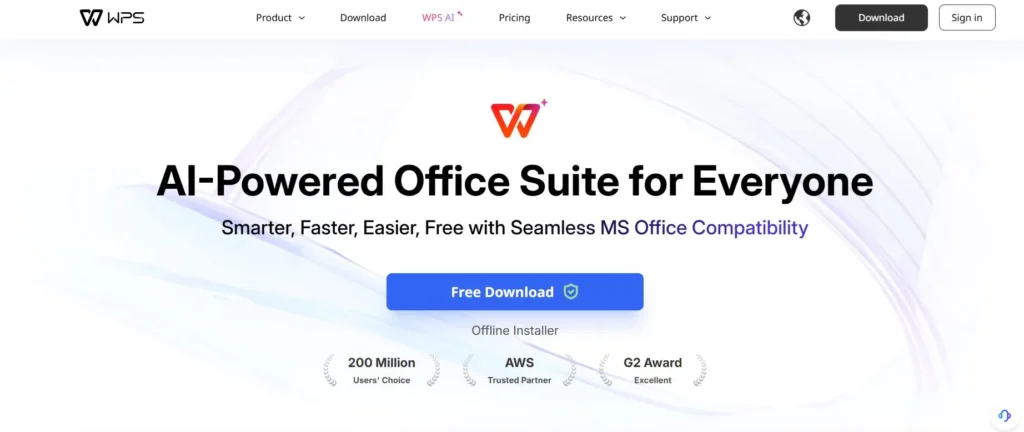
That is exactly what WPS Office offers. With over 200 million users worldwide and a 4.5-star rating on Capterra, WPS Office has quietly become one of the most trusted and widely used alternatives to Microsoft Office in the world. And with the recent addition of powerful AI features, it has become more than just an alternative — it is arguably a better choice for many users.
In this in-depth review, we will cover everything you need to know about WPS Office: what it is, what it includes, how its AI features work, who it is best for, its pricing, and whether it is truly worth using for your work or business.
What is WPS Office?
WPS Office is a full-featured office productivity suite developed by WPS Software Pte. Ltd., a subsidiary of Kingsoft Corporation. It was first released in 1988 and has evolved over the decades into a modern, AI-powered office suite that competes directly with Microsoft 365 and Google Workspace.
It is available on every major platform — Windows, Mac, Linux, Android, and iOS — meaning you can use it on your laptop, desktop, tablet, or smartphone with the exact same experience across all devices.
The suite includes four core tools:
- WPS Writer — a full-featured word processor (equivalent to Microsoft Word)
- WPS Spreadsheets — a powerful spreadsheet tool (equivalent to Microsoft Excel)
- WPS Presentation — a slide deck creator (equivalent to Microsoft PowerPoint)
- WPS PDF — a PDF viewer, editor, converter, and annotator
All four of these tools are available for free. And since WPS Office launched its AI integration — called WPS AI — it has added a layer of intelligent assistance that even Microsoft Office is still trying to match in terms of accessibility and ease of use.
Key Features of WPS Office
1. Full Microsoft Office Compatibility
One of the most important features of WPS Office — and the reason so many people switch to it — is its near-perfect compatibility with Microsoft Office file formats. WPS Office can open, edit, and save files in .docx, .xlsx, .pptx, and all other Microsoft Office formats without any formatting issues.
This means you can receive a Word document from a client, open it in WPS Writer, edit it, and send it back — and they will not even know you used a different program. No compatibility errors, no broken formatting, no missing fonts.

2. WPS AI — Your Built-in AI Assistant
The biggest upgrade WPS Office has made in recent years is the integration of WPS AI — a built-in artificial intelligence assistant that works across all four of its tools.
Here is what WPS AI can do for you:
- AI Writer: Generate full paragraphs, essays, emails, blog posts, and reports from a simple prompt.
- AI Spell Check: Automatically detects and corrects grammar and spelling errors as you type, in real time.
- AI Parallel Translation: Translate entire Word or PDF documents side by side in multiple languages, instantly.
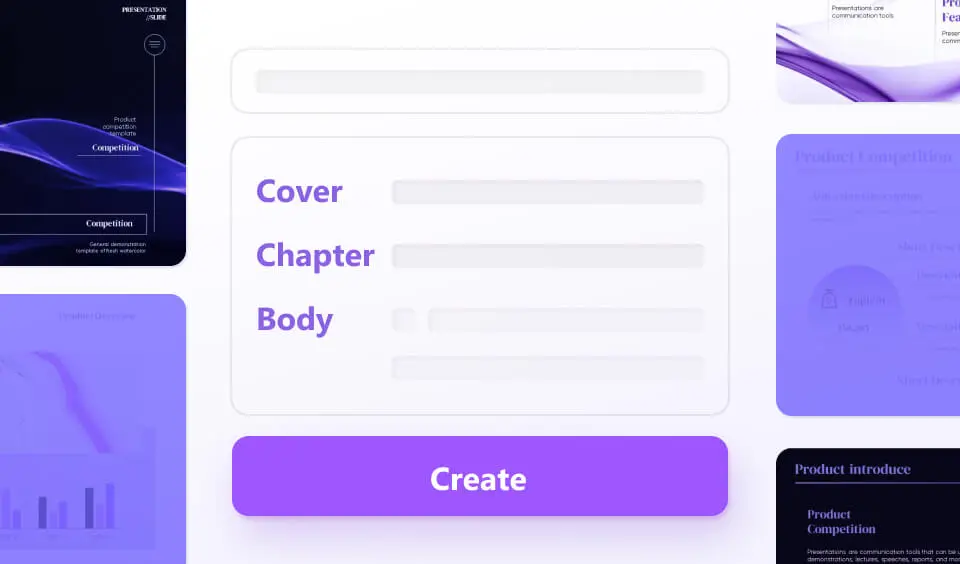
- AI Slide Generator: Turn a text outline or simple prompt into a fully designed PowerPoint presentation with one click.
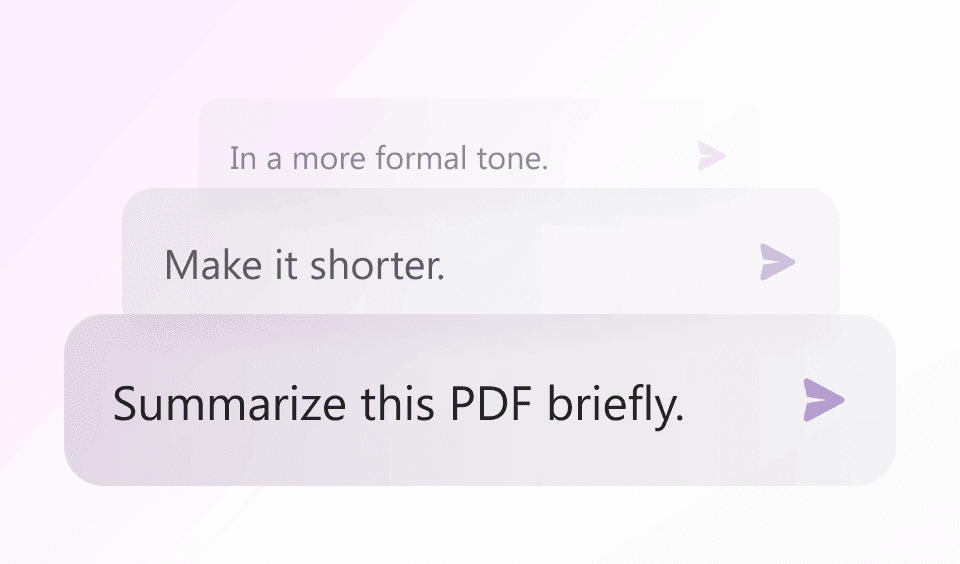
- Chat with PDF: Upload any PDF and ask questions about it — WPS AI will summarize and extract insights automatically.
- Smart Photo Editing: AI-powered image enhancement, background removal, and element editing inside WPS Photos.

3. Powerful PDF Tools
PDF management is one of the areas where WPS Office truly shines — especially for e-commerce sellers, freelancers, and small businesses who deal with invoices, contracts, and product catalogs regularly.
WPS Office lets you:
- Convert PDFs to Word, Excel, or PowerPoint — and back again.
- Merge multiple PDFs into one single file.
- Split a large PDF into separate files.
- Annotate, highlight, and comment on PDFs.
- Fill in and sign PDF forms digitally.
- Chat with PDF using AI to instantly extract key information.
4. AI-Powered Presentation Creator
Creating a professional presentation used to take hours. With WPS Office’s AI Slide Generator, you can type a topic or paste an outline and let WPS AI build a fully designed, visually polished presentation for you in seconds.
You can then customize the layout, colors, and content — or simply use it as-is. This is a huge time-saver for business owners, students, and content creators who need to produce slides quickly without design skills.
5. Cloud Storage and Cross-Device Sync
WPS Office comes with built-in cloud storage, so your documents are automatically saved and accessible from any device. Write a document on your laptop, continue editing it on your phone, and share it directly with a colleague — all without emailing files back and forth.
The free plan includes 1GB of cloud storage, which is plenty for most users. Premium plans upgrade this to 20GB or more.
6. Massive Template Library
WPS Office includes a huge library of free, professionally designed templates for documents, spreadsheets, and presentations. Whether you need a resume, a business report, an invoice, a budget tracker, or a marketing presentation — there is almost certainly a ready-made template waiting for you.
This is particularly valuable for small business owners and online sellers who want professional-looking documents without hiring a designer.
7. Smart Photo Editing — WPS Photos
Unique among office suites, WPS Office also includes WPS Photos — an AI-powered photo editor that lets you enhance image quality, remove unwanted backgrounds, clean up objects from photos, and apply smart edits. This is a genuinely useful bonus tool for anyone who manages social media, product photos, or visual content.

8. Lightweight and Fast
One of the most common complaints about Microsoft Office is that it is heavy, slow to load, and resource-intensive — especially on older computers. WPS Office takes a completely different approach. The entire installation package is just 214MB, yet it handles large files smoothly and opens documents in seconds. It is genuinely one of the fastest office suites available.
Try WPS Office for free and see the difference yourself:
Download WPS Office Free — Click Here
WPS Office Pricing — Free vs Pro vs AI
One of the most attractive things about WPS Office is its pricing structure. Unlike Microsoft 365, which starts at around $70/year just for personal use, WPS Office offers a genuinely useful free plan alongside affordable premium tiers.
Free Plan (WPS Standard)
The free version of WPS Office includes:
- Full access to WPS Writer, Spreadsheets, and Presentation.
- Basic PDF viewing and editing.
- 1GB of cloud storage.
- Access to thousands of free templates.
- Multi-platform support (Windows, Mac, Linux, Android, iOS).
- Microsoft Office file format compatibility.
The free plan does display some advertisements, which some users find mildly annoying — but it is genuinely functional and suitable for the majority of everyday tasks.
WPS Pro — $2.99/month (billed annually)
WPS Pro removes all ads and unlocks premium features including:
- Ad-free experience across all tools.
- File conversion and batch processing.
- Document watermarking and e-signatures.
- 20GB of cloud storage.
- Cloud backup and advanced file management.
WPS AI — $9.99/month (billed annually)
WPS AI gives you full access to all AI-powered features:
- AI Writer for content generation.
- AI Spell Check and grammar correction.
- AI Parallel Translation.
- AI Slide Generator.
- Chat with PDF using AI.
- All WPS Pro features included.
WPS Pro + WPS AI Bundle — $10.83/month (billed annually)
The best value option — combines everything from both Pro and AI plans at a slight discount. At less than $11 per month, this is a fraction of what Microsoft 365 costs, and you get AI features that Microsoft charges significantly more to access.
Who is WPS Office Best For?
WPS Office is designed to be useful for everyone — from students to large businesses. But here are the specific types of users who benefit most:
Students and Educators
WPS Office is completely free for basic use, making it the perfect solution for students who need to write essays, create presentations, and manage spreadsheets without paying for software. The template library alone saves hours of formatting time.
Freelancers and Content Creators
As a freelancer, you deal with proposals, invoices, contracts, client reports, and creative documents every day. WPS Office handles all of these with ease, and the AI Writer feature can help you draft professional content faster than ever.
E-Commerce Sellers and Online Business Owners
If you run an online shop — whether on Shopee, Noon, Amazon, or your own website — WPS Office is an incredibly practical tool. Use it to:
- Create product descriptions and marketing copy using AI Writer.
- Build pricing spreadsheets and inventory trackers.
- Design professional proposals and pitch decks for suppliers.
- Generate and sign PDF invoices and contracts.
- Translate product listings into multiple languages using AI Translation.
Small and Medium Businesses
For businesses that need to produce professional documents, reports, and presentations regularly without spending thousands on software licenses, WPS Office is an obvious choice. The team plan starts at just $2.49 per user per month — far more affordable than Microsoft 365 Business.
Remote Workers and Digital Nomads
With cloud sync, cross-device compatibility, and a lightweight installation, WPS Office is perfect for people who work from different locations and devices. Your documents are always with you, always up to date, and always accessible — even offline.
WPS Office vs Microsoft Office: How Do They Compare?
Here is a straightforward comparison of the two for the most common user needs:
- Price: WPS Office is free (basic) or from $2.99/month. Microsoft 365 starts at ~$6.99/month personal or $9.99/month for Microsoft 365 Personal with full features.
- AI Features: WPS AI is included in its AI plan at $9.99/month. Microsoft Copilot AI requires Microsoft 365 Copilot, which costs $30/user/month — three times more.
- Platforms: Both work on Windows, Mac, Android, and iOS. WPS also fully supports Linux, which Microsoft Office does not.
- File Compatibility: Both handle .docx, .xlsx, .pptx seamlessly. WPS opens Microsoft files without formatting issues.
- PDF Tools: WPS Office has significantly more built-in PDF tools than the standard Microsoft Office suite.
- Installation Size: WPS Office is 214MB. Microsoft Office is typically 4–6GB.
- Offline Use: Both work fully offline. WPS is faster to load on lower-spec machines.
For the vast majority of everyday office tasks, WPS Office performs identically to — and in some areas better than — Microsoft Office, at a fraction of the cost.
How to Get Started with WPS Office
Getting started with WPS Office takes less than 5 minutes. Here is how:
- Click the download link below and visit the WPS Office website.
- Select your platform — Windows, Mac, Android, or iOS.
- Download and install the app (just 214MB — it installs in under a minute).
- Sign up for a free account to enable cloud storage and cross-device sync.
- Open any existing Microsoft Office file or start from scratch with a template.
- Upgrade to WPS AI or WPS Pro whenever you are ready for premium features.
That is it. No complicated setup, no long installation, no credit card required to start.
Get started with WPS Office for free right now:
Download WPS Office Free — Click Here
Honest Pros and Cons of WPS Office
✅ Pros
- Completely free for basic use — no trial period, no credit card required.
- Works on all platforms including Linux (which Microsoft Office does not support).
- 100% compatible with Microsoft Office file formats.
- Built-in AI features for writing, translation, PDF chat, and slide generation.
- Lightweight (214MB) and very fast, even on older devices.
- Excellent PDF toolkit — convert, merge, split, sign, and annotate.
- 1GB free cloud storage included with the free plan.
- Over 200 million users and trusted by UNESCO-ICHEI and AWS.
- Rated 4.5/5 on Capterra based on 1,532 verified user reviews.
⚠️ Cons
- The free version displays ads — which can be mildly distracting during work.
- Some advanced features (macros, complex pivot tables) may not be as full-featured as Microsoft Excel.
- AI features require a paid plan to access fully.
- Real-time collaboration, while available, is not as polished as Google Docs for large teams.
Overall, the pros far outweigh the cons — especially for individual users, students, freelancers, and small businesses. The ads are a minor inconvenience that disappears entirely with the Pro plan.
conclusion
Absolutely yes — and the answer is especially clear if you are currently paying for Microsoft Office.
WPS Office delivers a complete, professional office suite for free. Its compatibility with Microsoft formats is seamless, its AI tools are genuinely useful and practical, its PDF features are excellent, and its cross-platform availability is unmatched.
For e-commerce sellers, the ability to generate AI-written product descriptions, create professional invoices and contracts, build supplier pitch decks, and translate documents into multiple languages — all in one free app — is an enormous advantage.
For students and everyday users, the free plan alone is more than enough for everything from writing assignments to building budgets.
With over 200 million users, a 4.5-star rating, and backing from AWS and UNESCO-ICHEI, WPS Office is not a hidden secret anymore. It is the smartest free online tool for anyone who works with documents, spreadsheets, or presentations.
Available for free on Windows, Mac, Linux, Android, and iOS.
No credit card required. Start using it in under 5 minutes.
Click Here to Download WPS Office for Free
If you want more online tools to help you run your business, check out these articles.